Crony NEW 3D hologram Led fan 42CM Advertising Display Holographic Imaging Naked Eye AD Fan
Crony NEW 3D hologram Led fan 42CM Advertising Display Holographic Imaging Naked Eye AD Fan
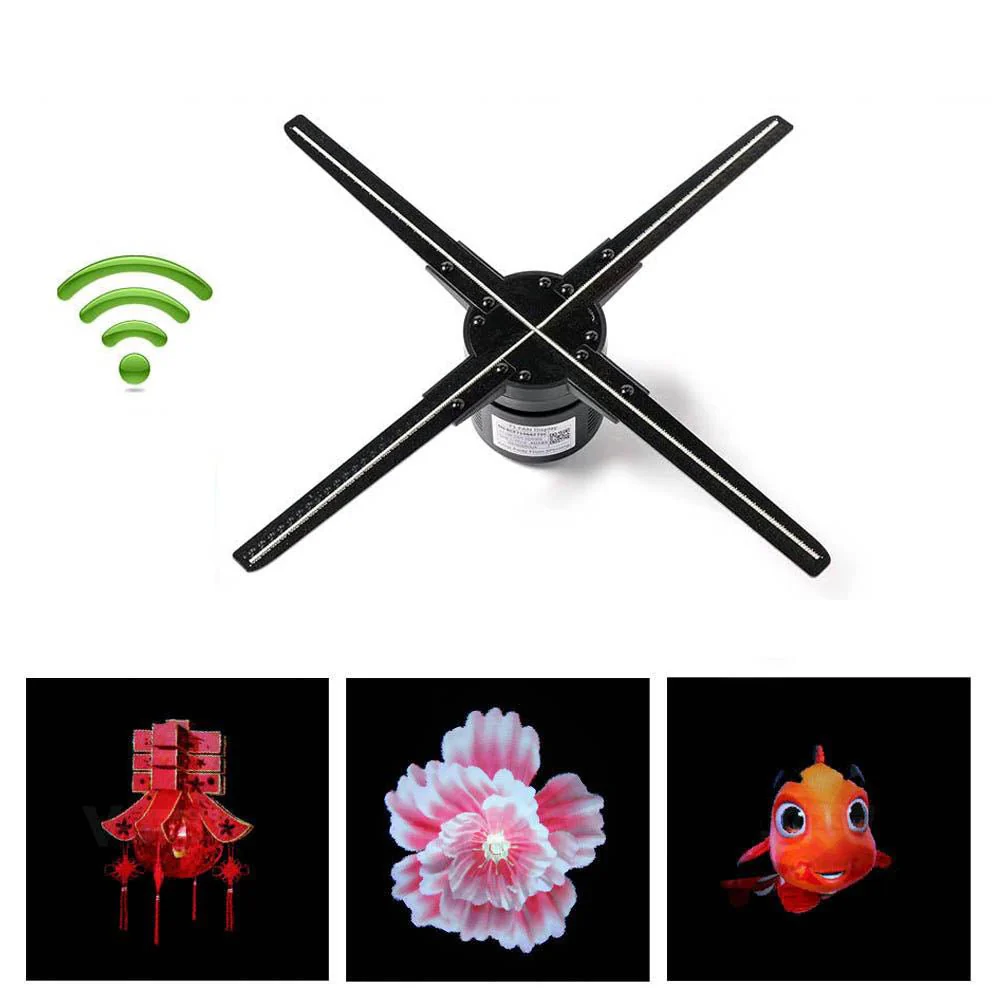
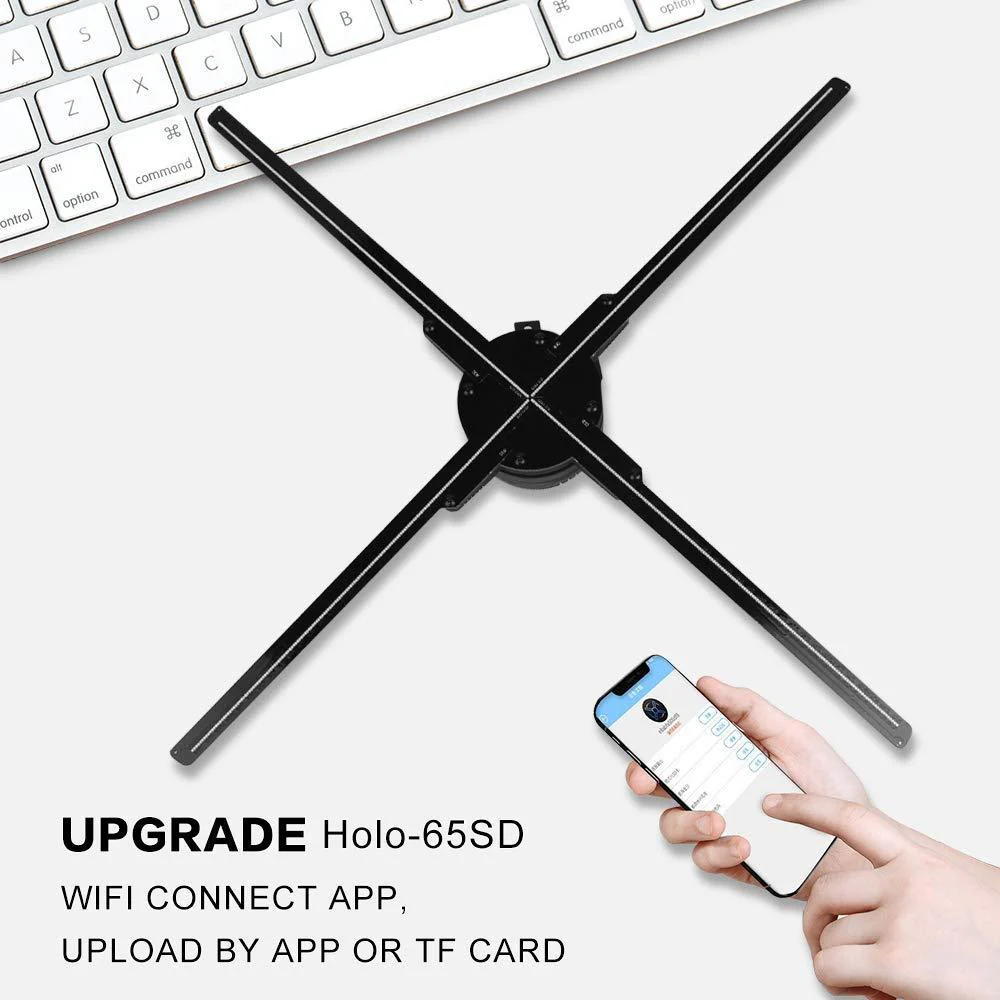
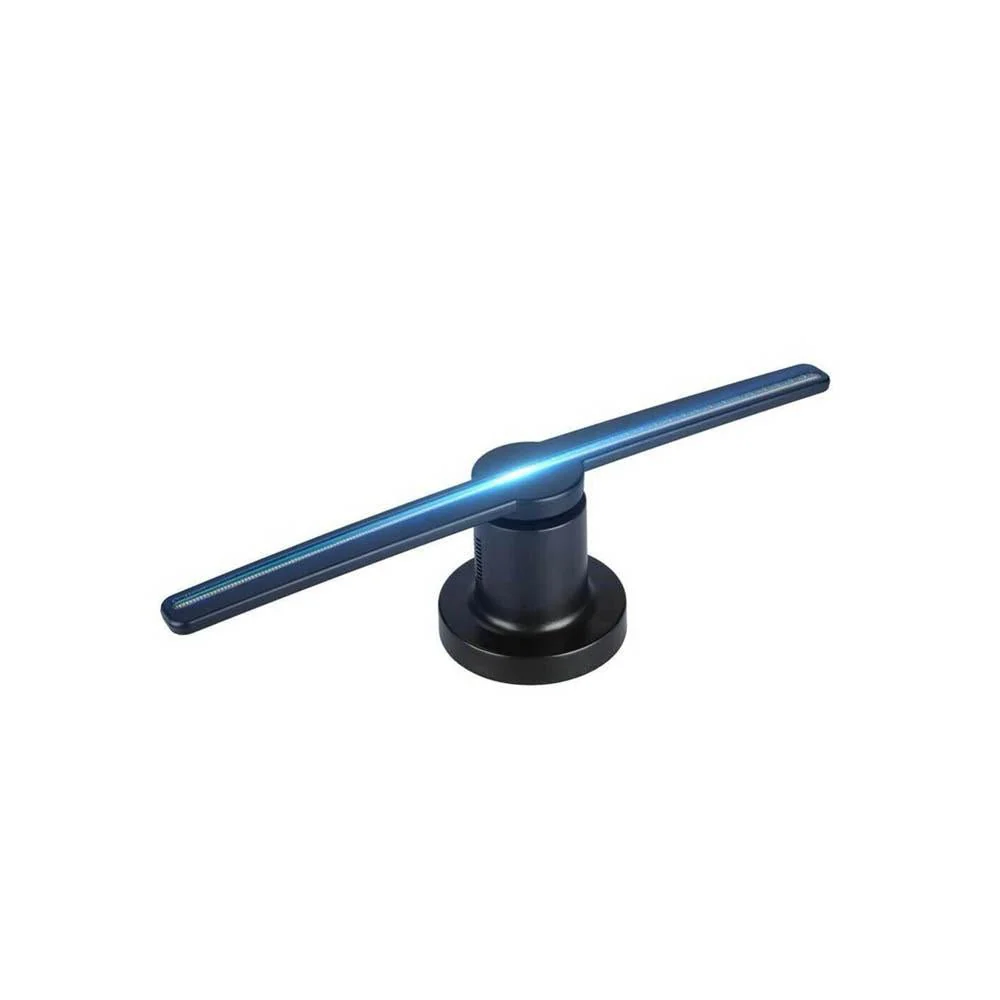
The Crony NEW 3D Hologram LED Fan 42CM brings advertisements to life with vibrant naked-eye 3D holographic imaging. Featuring flexible dual-control functionality, it lets you quickly swap media via TF card plug-and-play or seamlessly upload files wirelessly using the Android smartphone App. It comes equipped with pre-loaded 3D display materials like shoes and birds, while offering complete freedom to upload your own custom promotional content. Ideally suited for a wide range of high-traffic commercial venues—such as exhibitions, supermarkets, cinemas, bars, hotels, restaurants, shopping malls, banks, and airports—it acts as a powerful attention grabber looking to enhance customer engagement and create memorable visual experiences.
For essential safety, it must never be physically handled during operation and is strictly recommended for installation at least 7 feet high to keep it safely out of reach of children.
How to use:
1.Settle fan
2.Download files (image or video) to TF card
3.Insert TF card on fan
4.Enter ON/OFF to use it OR use App to control
Instructions for use in Chinese
How to use:
- Please use your Android phone to download and install the FAN DISPLAY software, or you can directly search and download it in the Google Market, or download the 5 compressed files below, decompress them with RAR, and then transfer them to your phone for installation. 01, 02,03,04,05
- Open the data connection of the Android phone, set the phone's WIFI hotspot, the WIFI hotspot name is: fsp and the password is: fsp123456
- After the device is powered on, after the display, check the hotspot of the mobile phone to see if the device is connected. If the connection is not displayed, wait a while until it is connected
- Then use the mobile phone with the current hotspot to open the fan screen app, click the stand-alone version to enter (note: the mobile hotspot and the APP must be the same mobile phone), and then click to search for nearby devices
- Click the connected fan device icon, click the plus icon + to add your mobile phone multimedia files.
Original: $357.00
-65%$357.00
$124.95Product Information
Product Information
Shipping & Returns
Shipping & Returns
Description
The Crony NEW 3D Hologram LED Fan 42CM brings advertisements to life with vibrant naked-eye 3D holographic imaging. Featuring flexible dual-control functionality, it lets you quickly swap media via TF card plug-and-play or seamlessly upload files wirelessly using the Android smartphone App. It comes equipped with pre-loaded 3D display materials like shoes and birds, while offering complete freedom to upload your own custom promotional content. Ideally suited for a wide range of high-traffic commercial venues—such as exhibitions, supermarkets, cinemas, bars, hotels, restaurants, shopping malls, banks, and airports—it acts as a powerful attention grabber looking to enhance customer engagement and create memorable visual experiences.
For essential safety, it must never be physically handled during operation and is strictly recommended for installation at least 7 feet high to keep it safely out of reach of children.
How to use:
1.Settle fan
2.Download files (image or video) to TF card
3.Insert TF card on fan
4.Enter ON/OFF to use it OR use App to control
Instructions for use in Chinese
How to use:
- Please use your Android phone to download and install the FAN DISPLAY software, or you can directly search and download it in the Google Market, or download the 5 compressed files below, decompress them with RAR, and then transfer them to your phone for installation. 01, 02,03,04,05
- Open the data connection of the Android phone, set the phone's WIFI hotspot, the WIFI hotspot name is: fsp and the password is: fsp123456
- After the device is powered on, after the display, check the hotspot of the mobile phone to see if the device is connected. If the connection is not displayed, wait a while until it is connected
- Then use the mobile phone with the current hotspot to open the fan screen app, click the stand-alone version to enter (note: the mobile hotspot and the APP must be the same mobile phone), and then click to search for nearby devices
- Click the connected fan device icon, click the plus icon + to add your mobile phone multimedia files.